MBOX & Takeout Viewer
Open your old Gmail on your Mac.
Read and search the email, calendar and contacts from your Google Takeout in a window that looks like Gmail, Outlook or Apple Mail. Nothing is uploaded.
- Open your old email, calendar, contacts and Drive files
- Search years of mail with the same search words Gmail uses
- Read and print any message, event or file
- Export emails to PDF or EML, events to ICS or CSV, and contacts to vCard
Be the first to know when it launches.
Coming soon for macOS 14 or later, on Apple silicon and Intel. One email at launch, no spam.
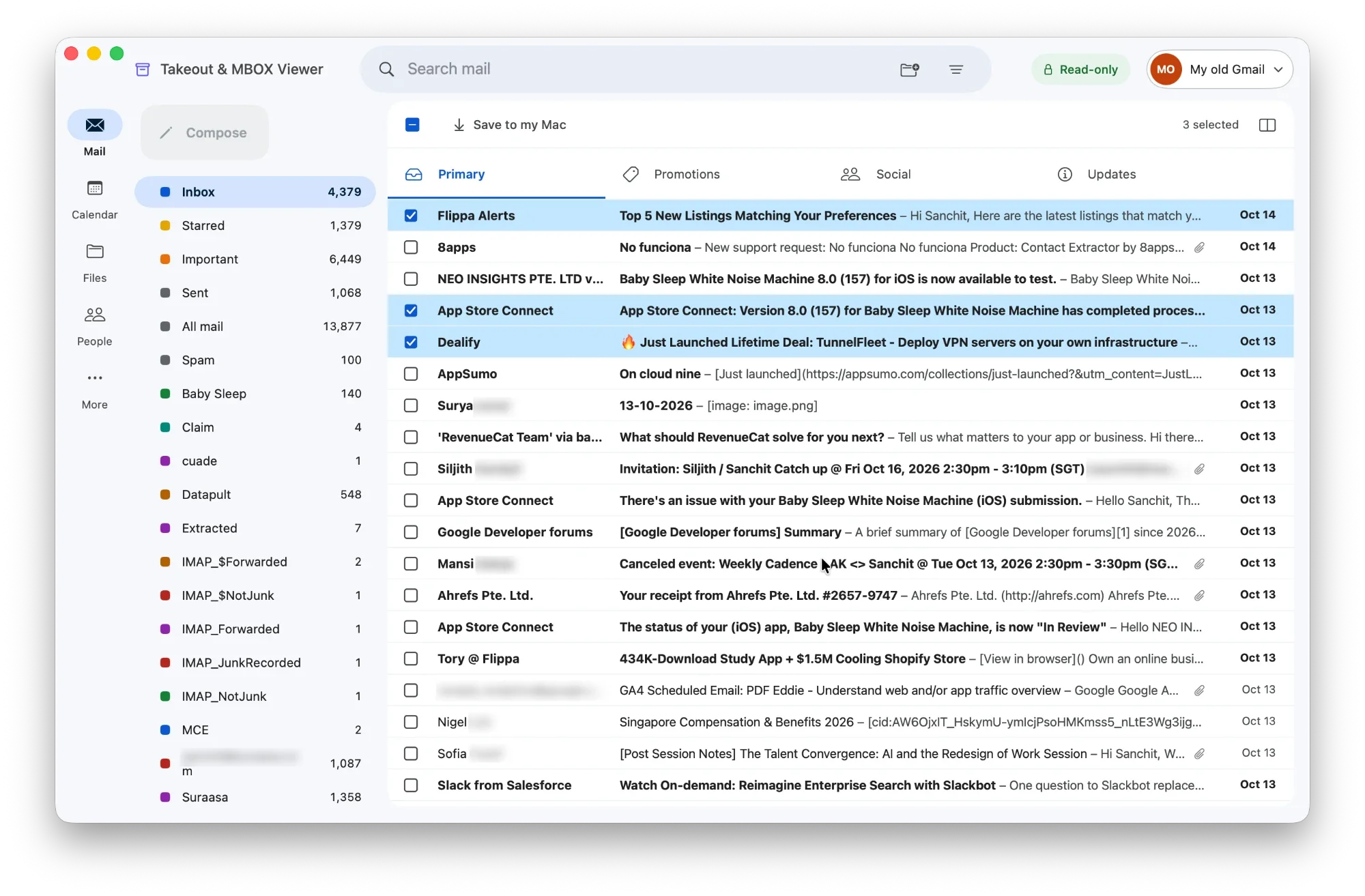
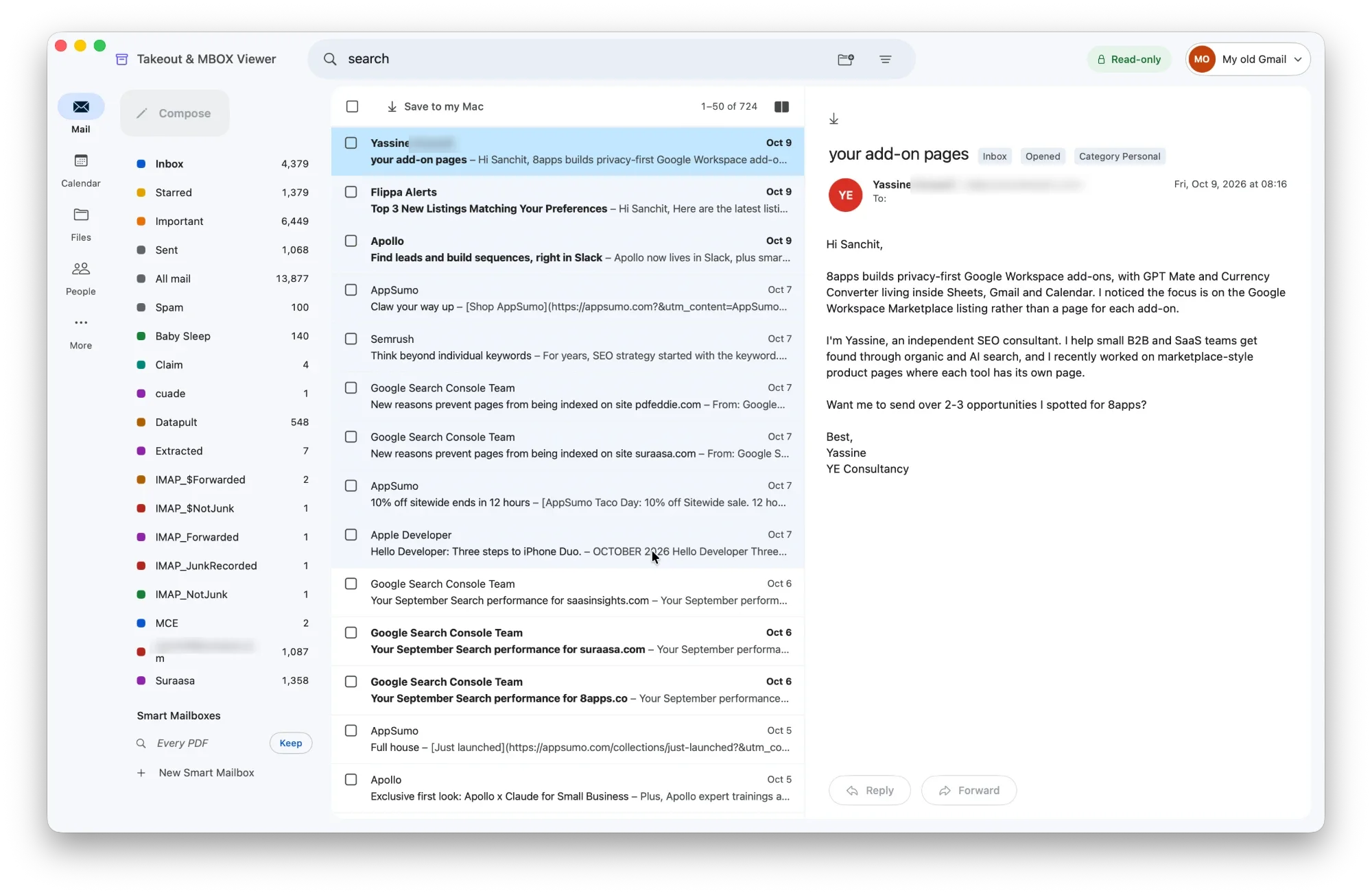
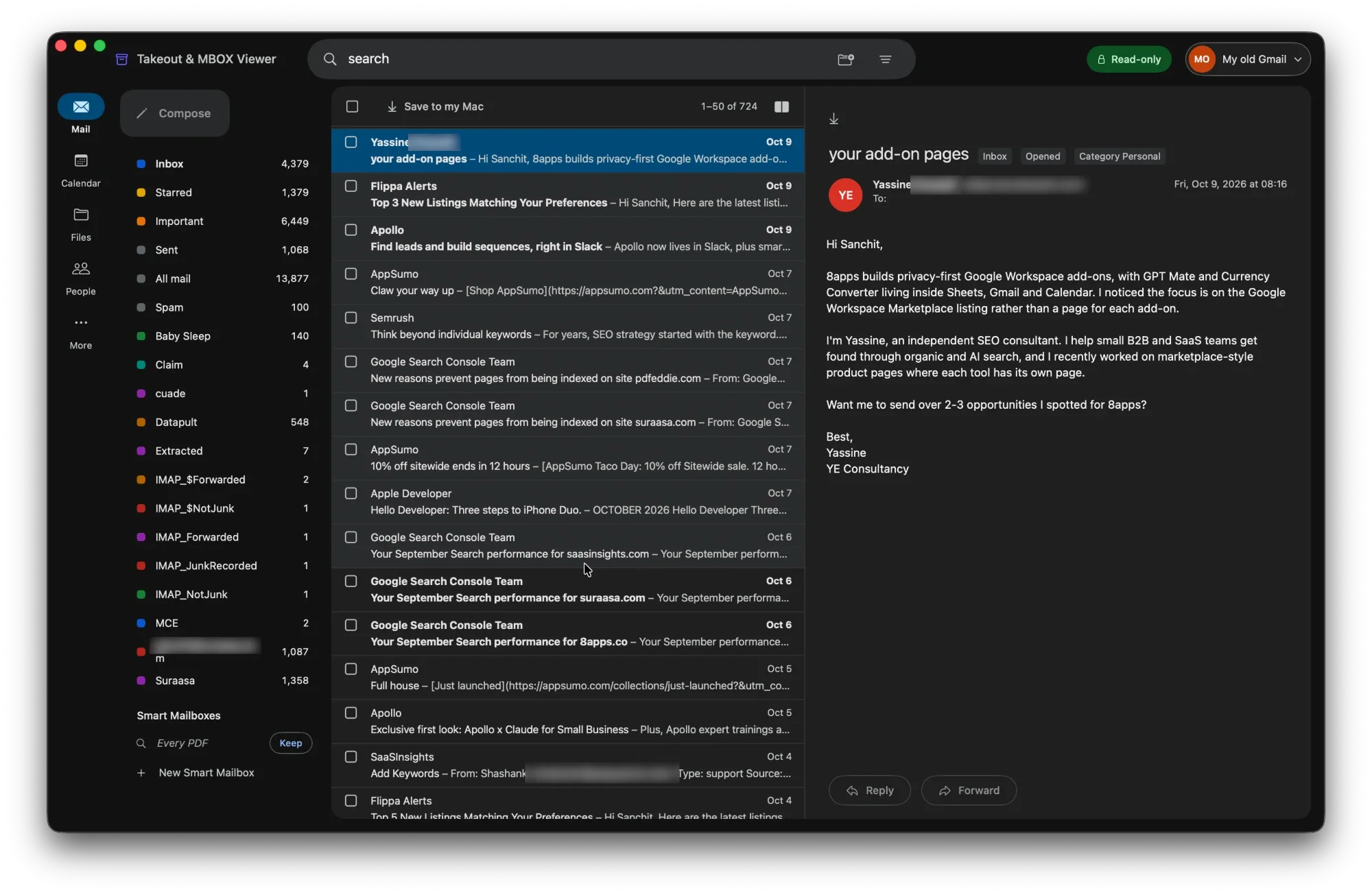
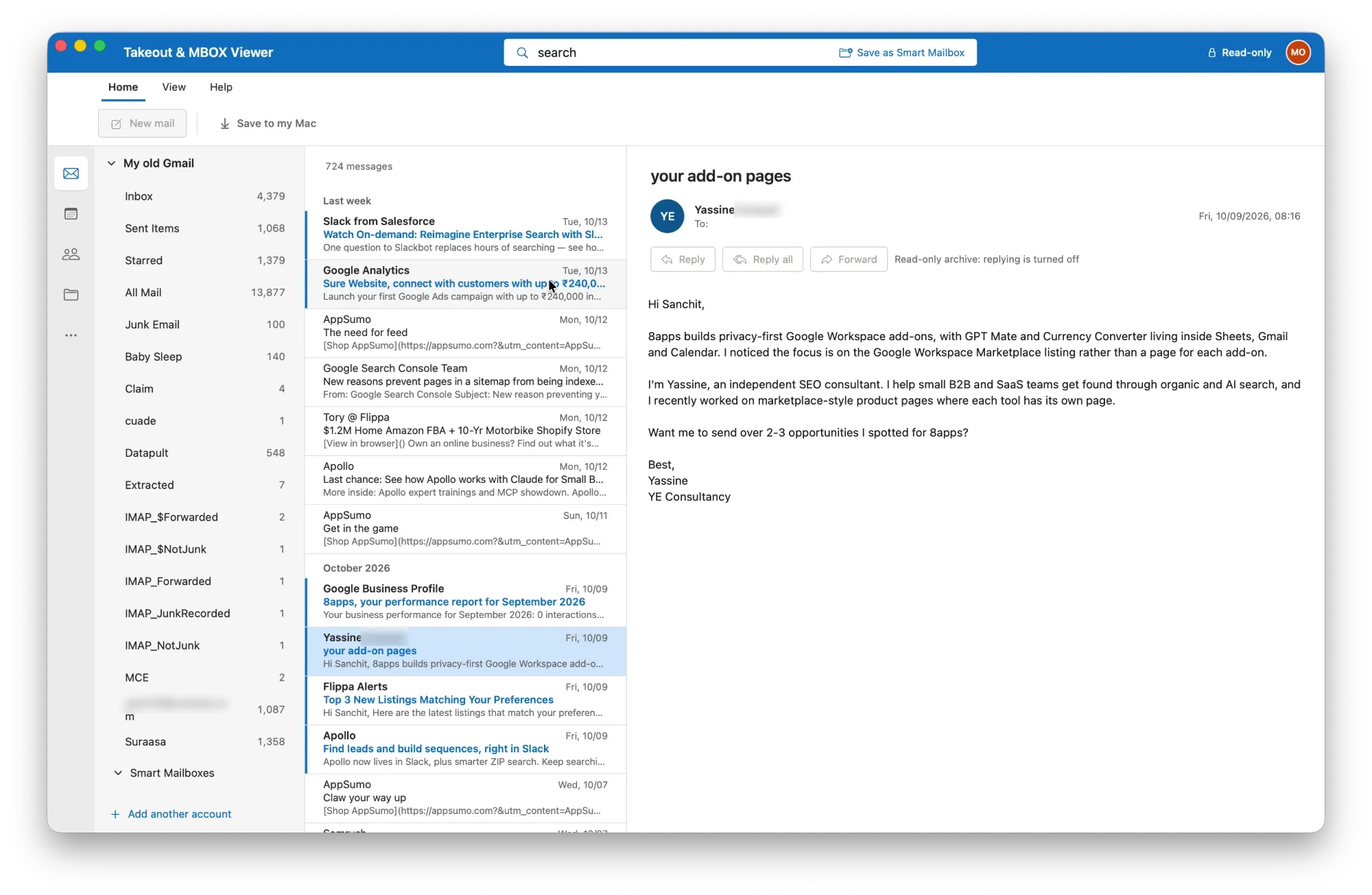
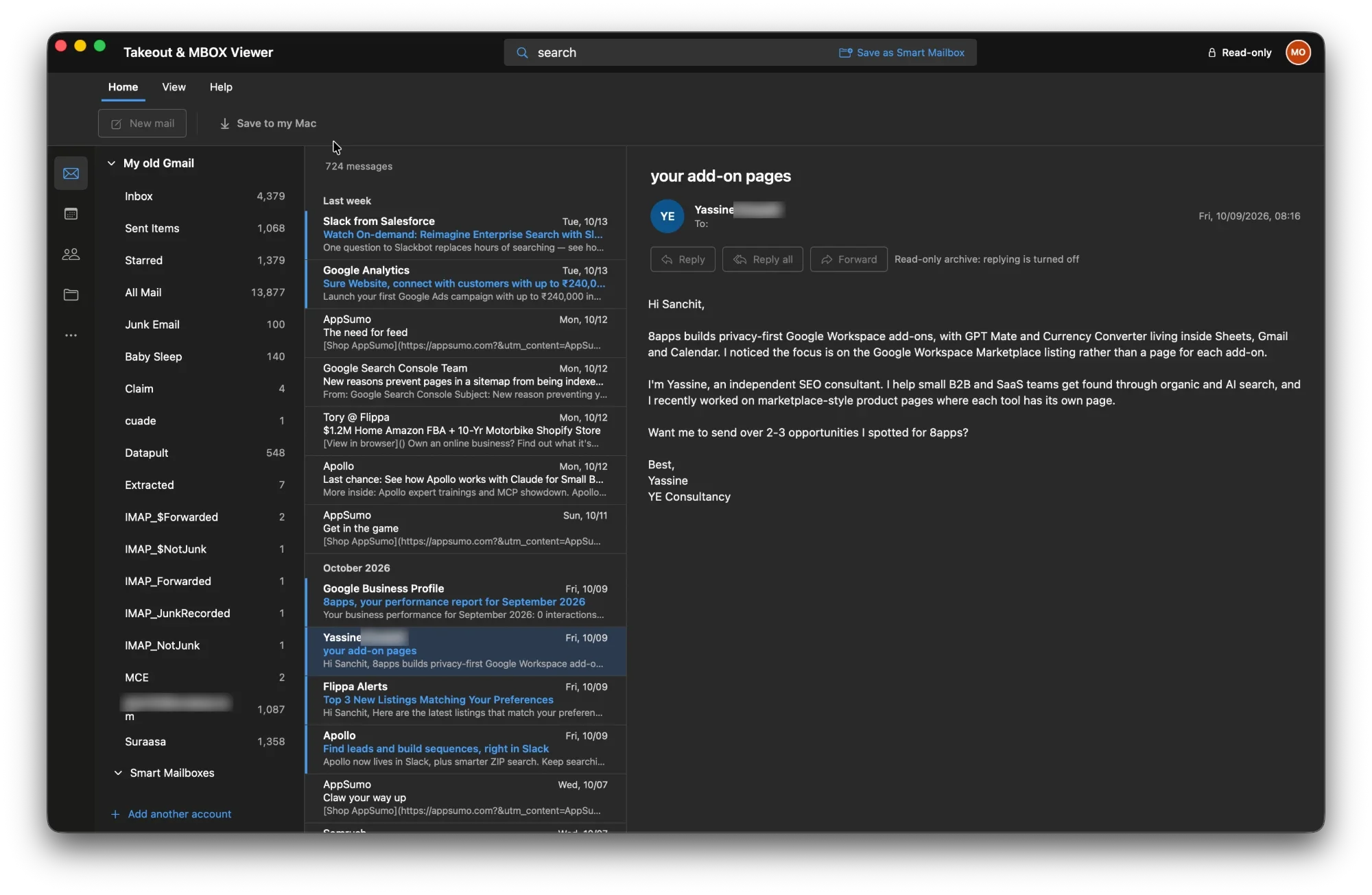
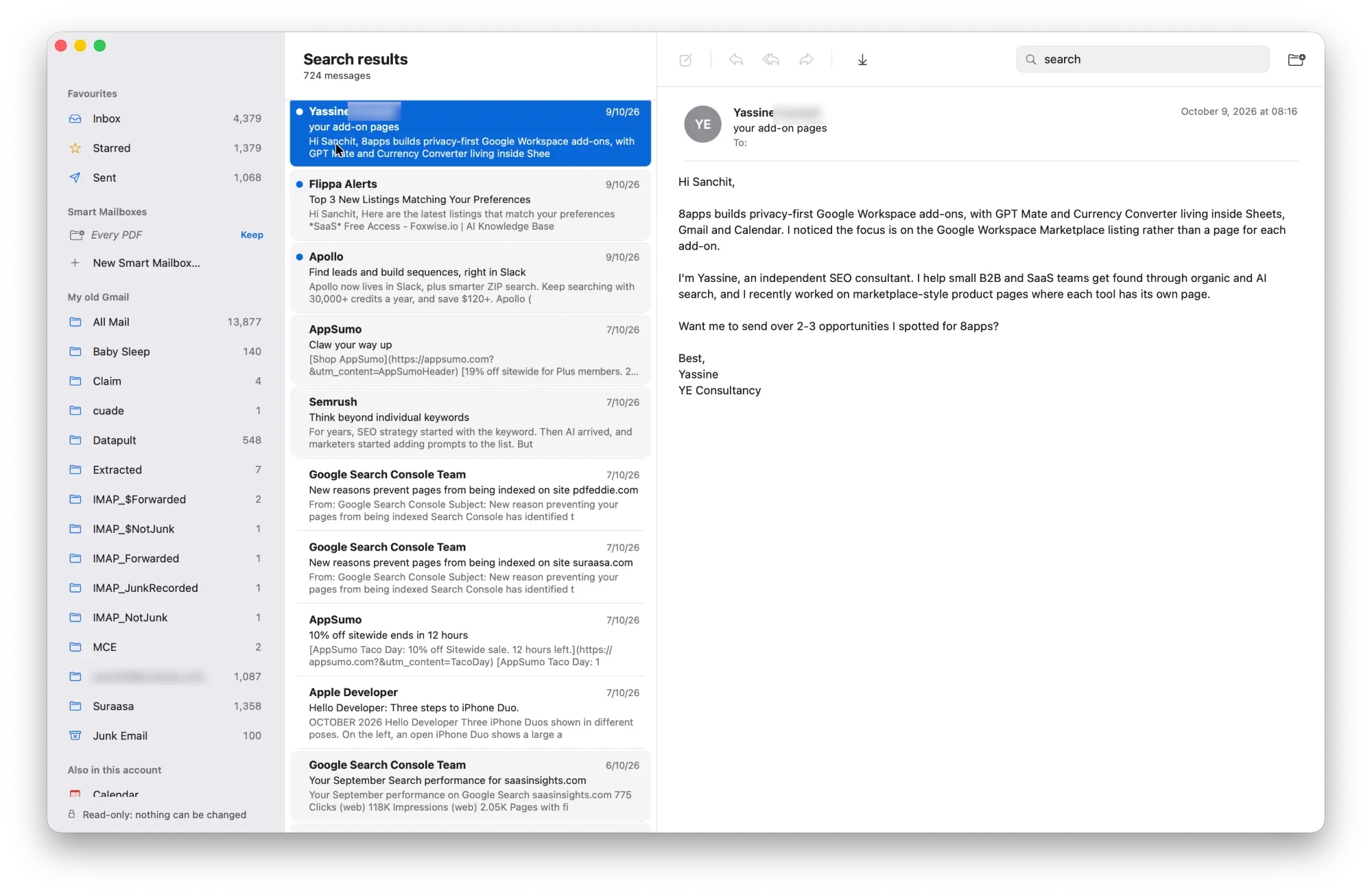
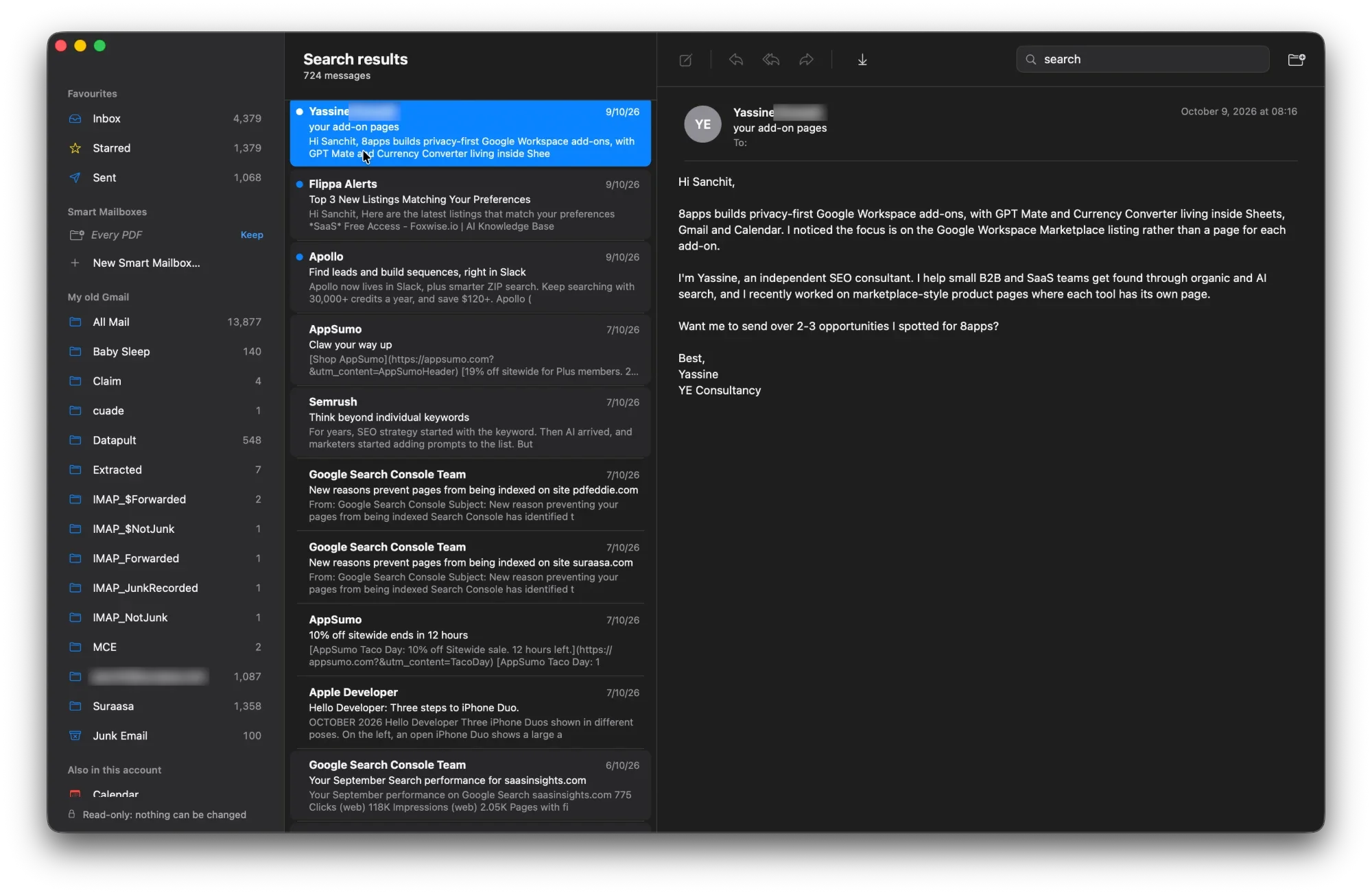
Feels like the mail app you already use
Pick a Gmail, Outlook or Apple Mail look, in light or dark, and switch any time.
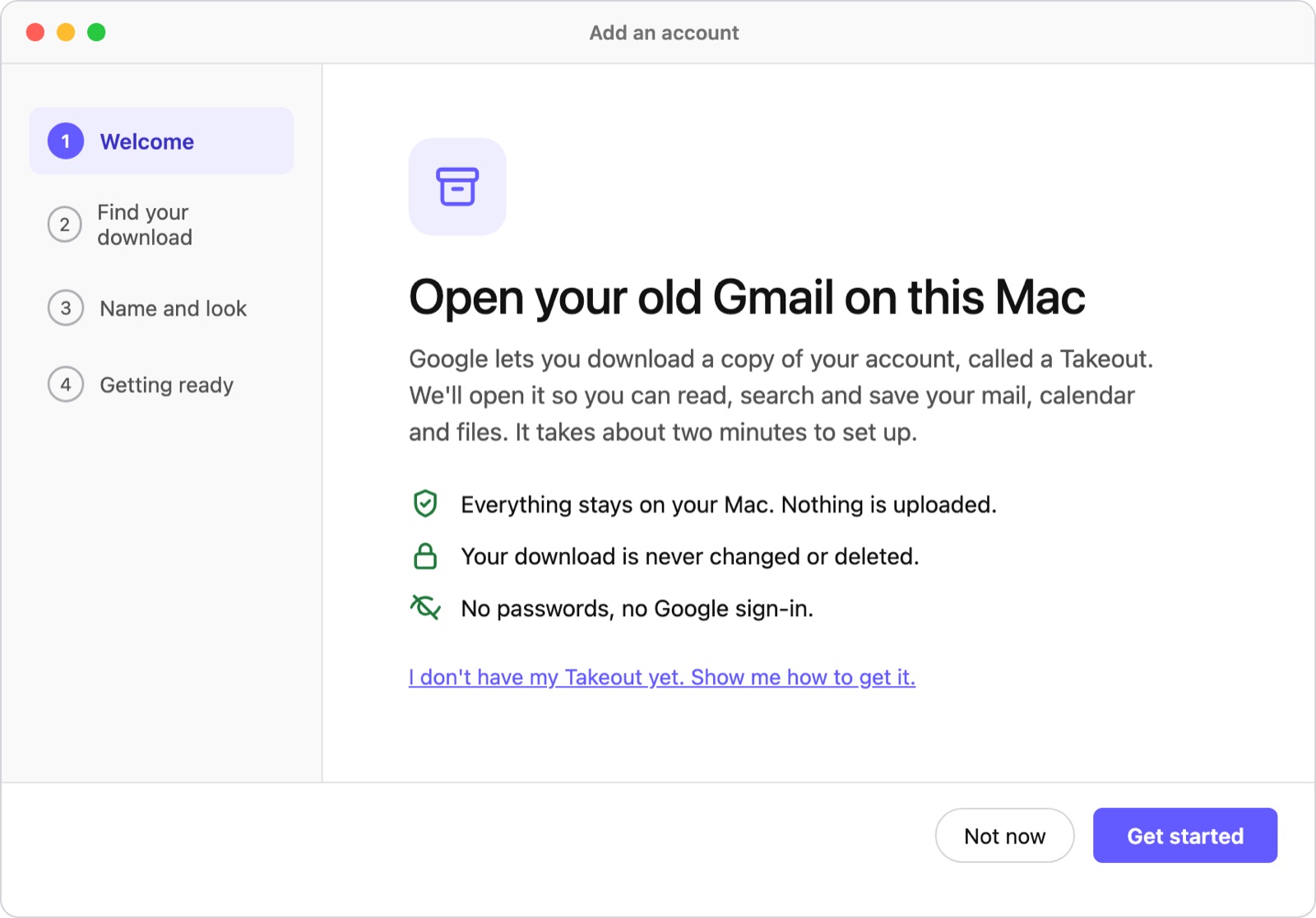
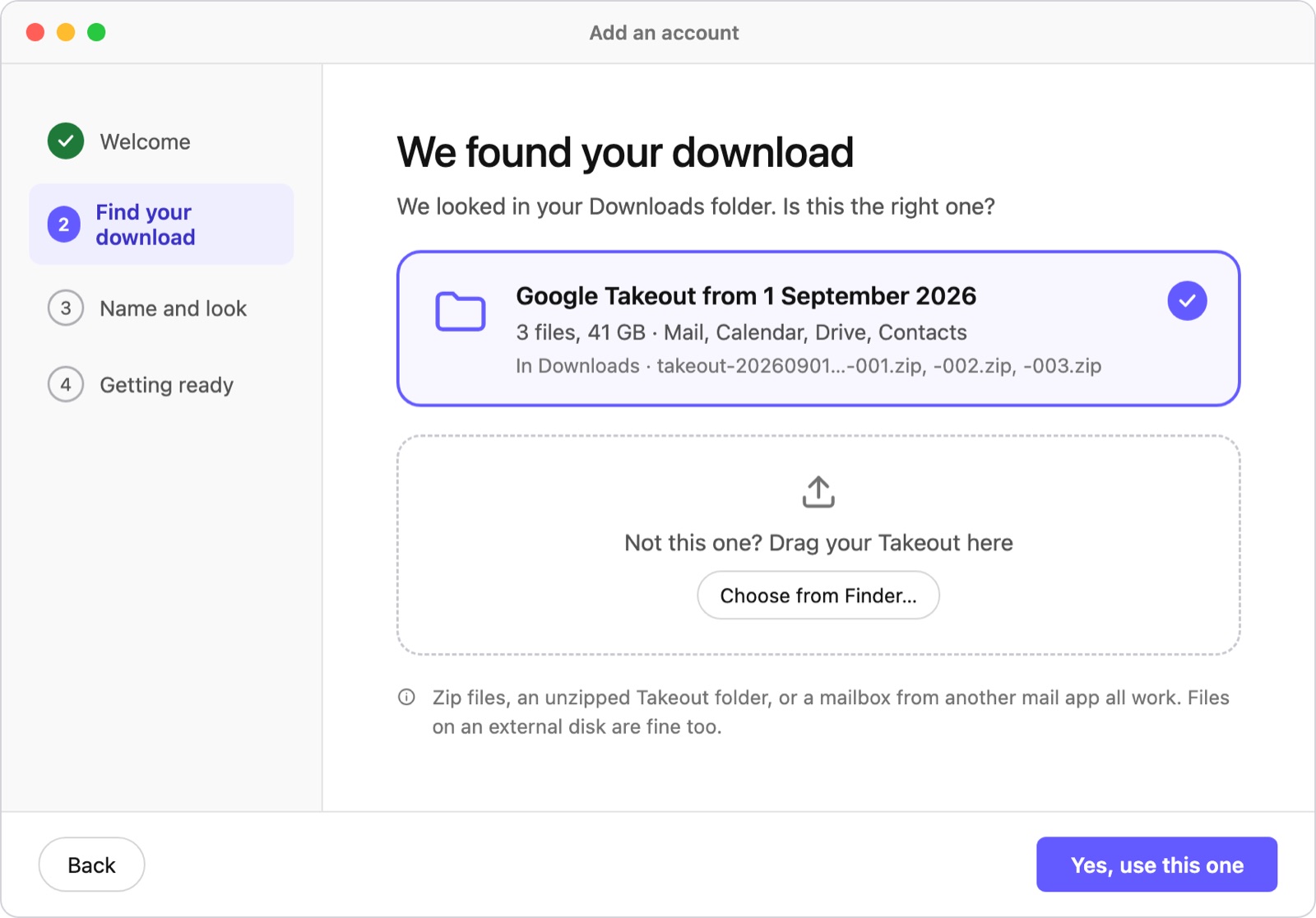
Open your archive in 3 simple steps
Search Like It's Gmail
Use the searches you already know: from:, has:attachment, before: and more.
Looks Like Your Mail App
Choose a Gmail, Outlook or Apple Mail look, in light or dark.
Calendar and Contacts Too
Browse past events by day, week or month, and everyone you've emailed.
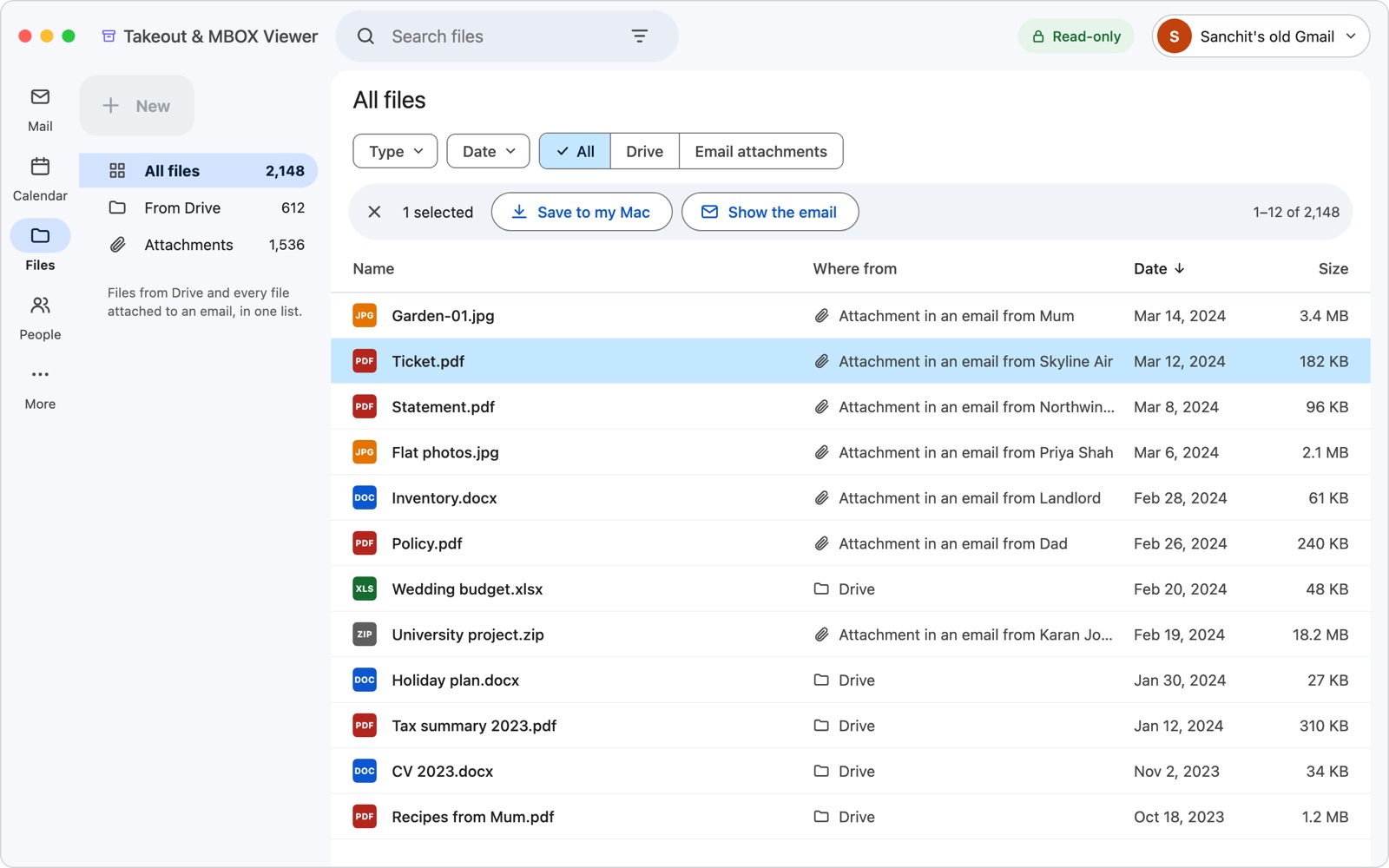
Every Attachment in One List
Drive files and email attachments together, with preview and filters.
Stays on Your Mac
Nothing is uploaded, no sign-in, and a Touch ID lock keeps it private.
Opens Any Mailbox
Takeout zips plus MBOX, EML, Apple Mail and Thunderbird mail.